

Description




Price: $299.00 - $24.99
(as of Nov 24, 2025 05:39:20 UTC – Details)

Product description

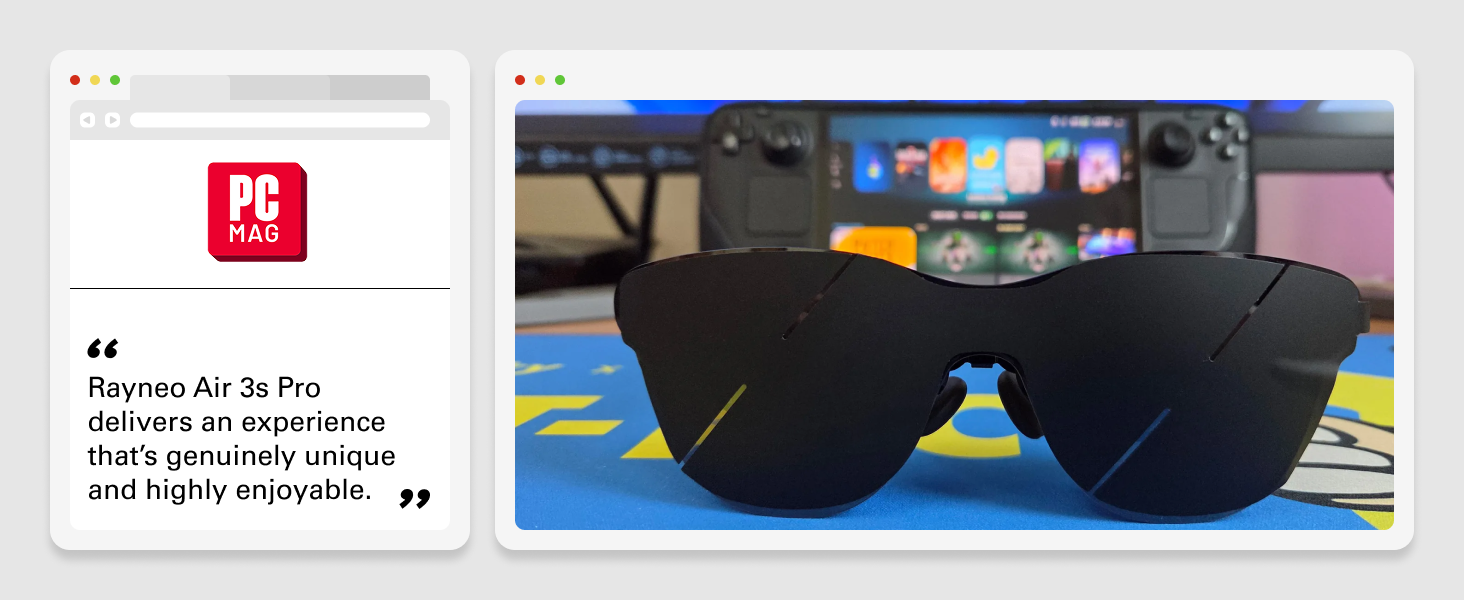
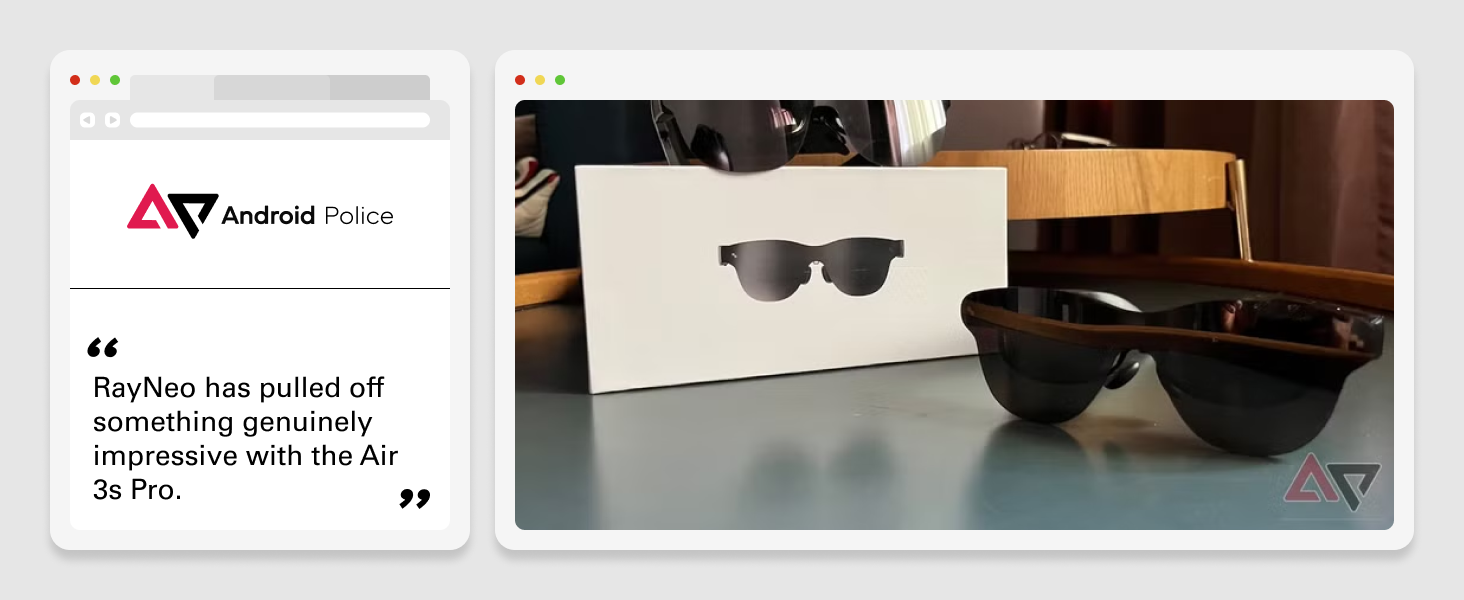
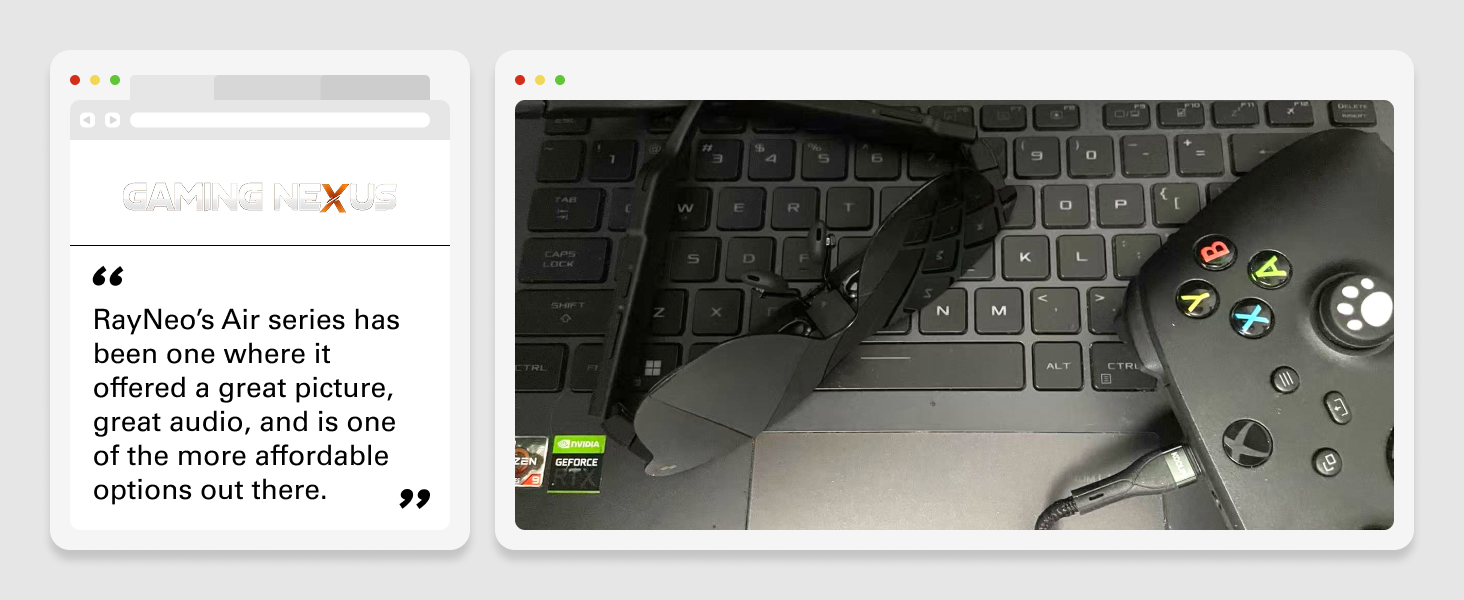
The video showcases the product in use.The video guides you through product setup.The video compares multiple products.The video shows the product being unpacked. RayNeo Air 3s Pro – Official Release Video Merchant Video
Choose Your RayNeo Bundle
Add to Cart
Add to Cart
Add to Cart
Add to Cart
Customer Reviews
4.3 out of 5 stars 269
4.0 out of 5 stars 221
4.3 out of 5 stars 72
4.6 out of 5 stars 60
3.3 out of 5 stars 16
4.1 out of 5 stars 11
Price
$249.00$249.00
$214.90$214.90
$103.20$103.20
$27.92$27.92
$64.00$64.00
$74.90$74.90
Best For
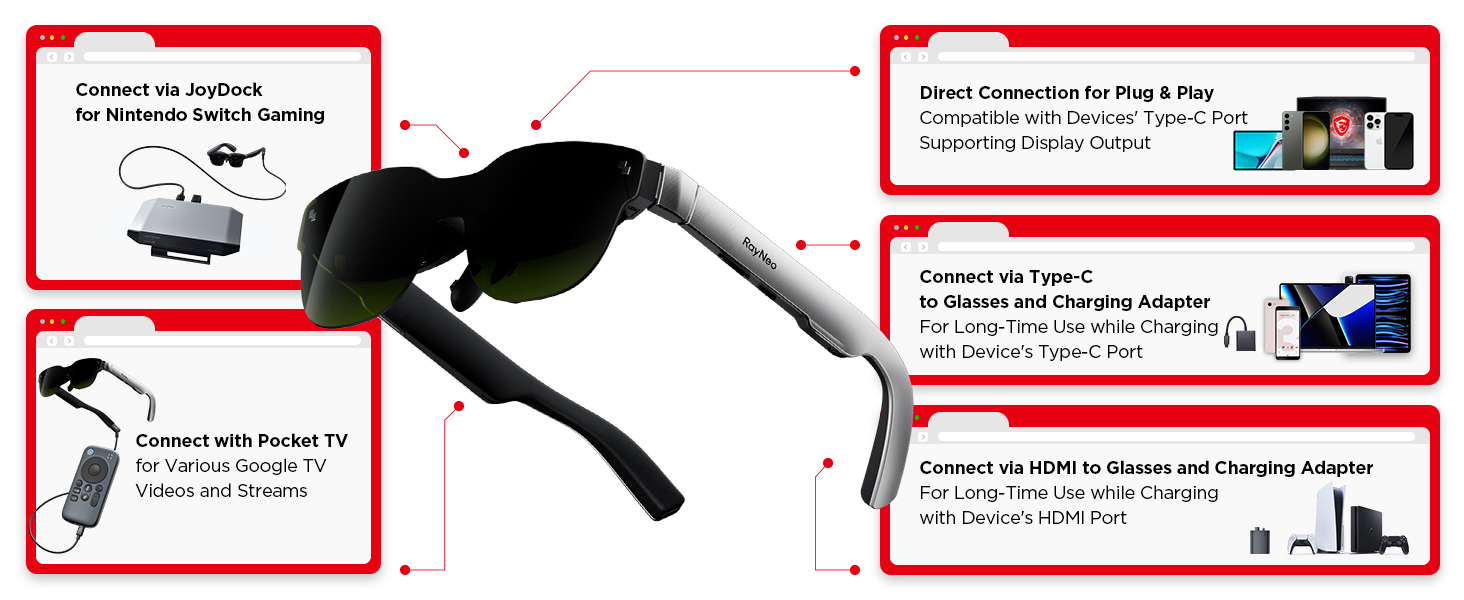
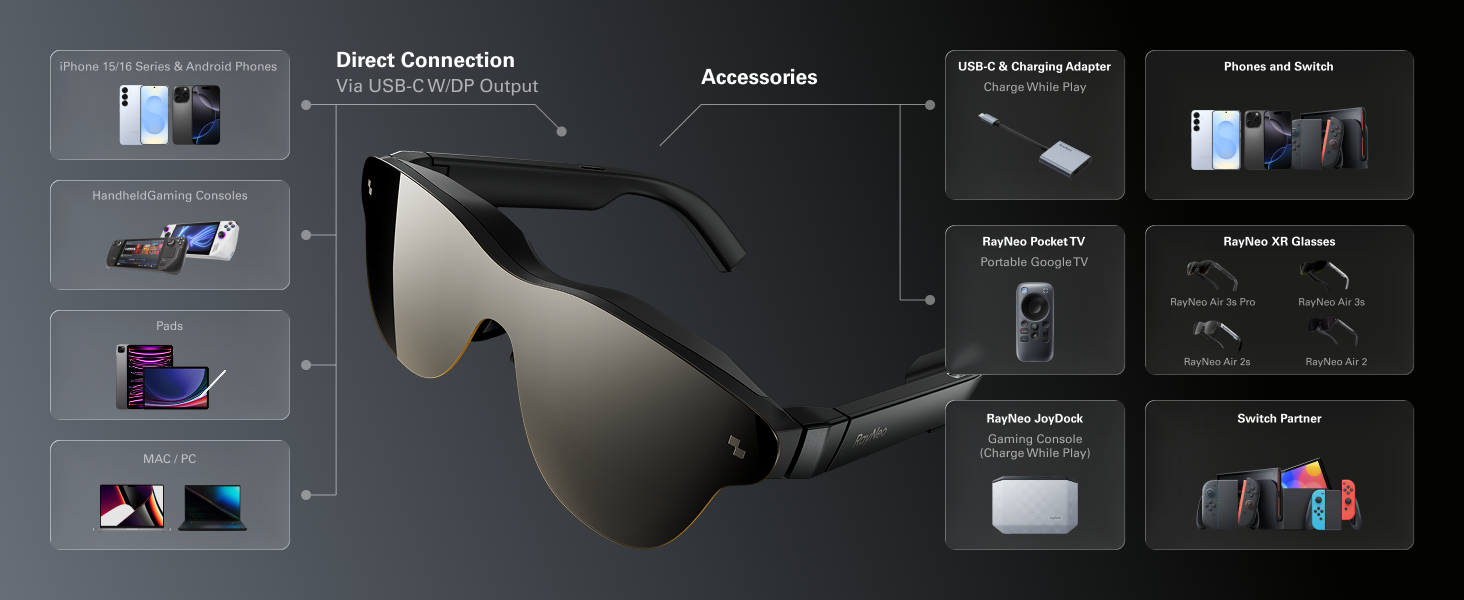
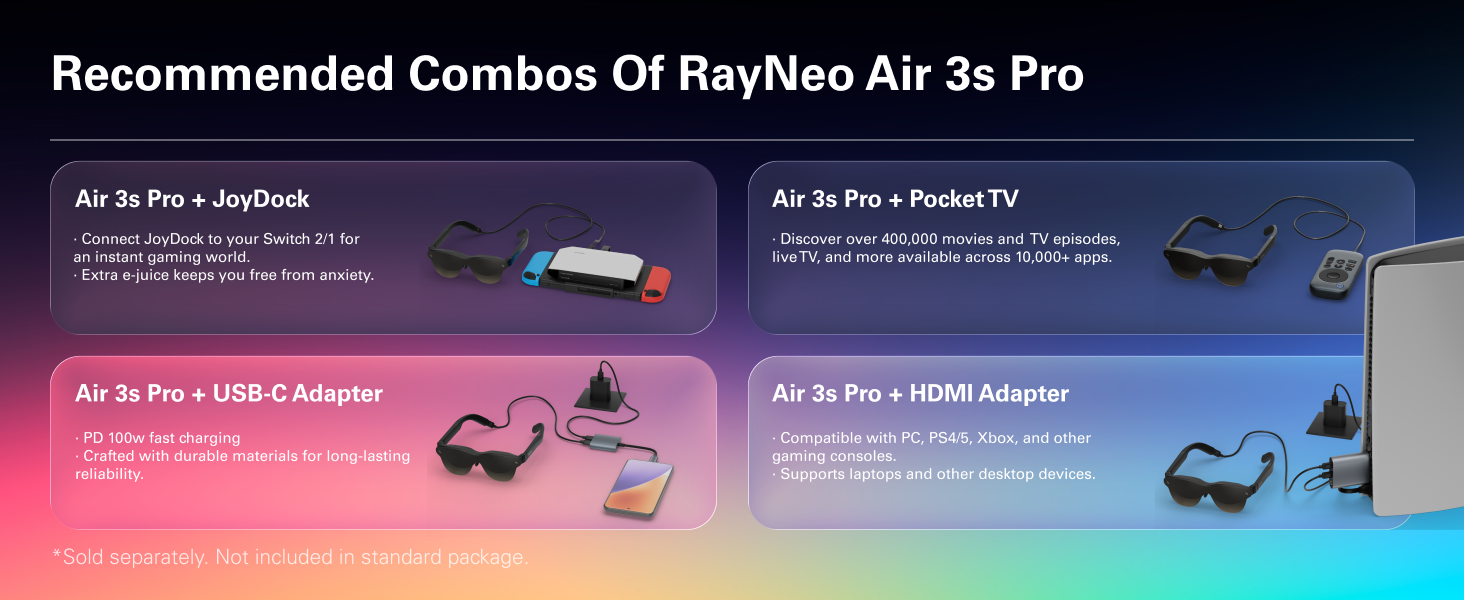
Handheld/iPhone 15、16/iPad
Handheld/iPhone 15、16/iPad
Goo-gle TV Entertainment
USB-C DP Device(Charge & Play)
HDMI & Lightning Devices
Switch/Switch 2
For Device with USB-C DP Port?
√
√
√
√
X
√
For iPhone 15/15 Pro /16?
√
√
√
√
X
√
For iPhone 14 or Earlier?
HDMI Hub&Apple AV Adapter Req.
HDMI Hub&Apple AV Adapter Req.
Direct Connect with AR Glasses
X
Apple AV Adapter Required
X
For Switch/Switch 2?
Compatible (Hub Required)
Compatible (Hub Required)
Direct Connect with AR Glasses
X
Compatible
Best
For Device with HDMI Port?
RayNeo HDMI Adapter Required
RayNeo HDMI Adapter Required
Direct Connect with AR Glasses
X
Best
√
Charge & Play at same time?
Extra Adapter Required
Extra Adapter Required
√
√
√
√
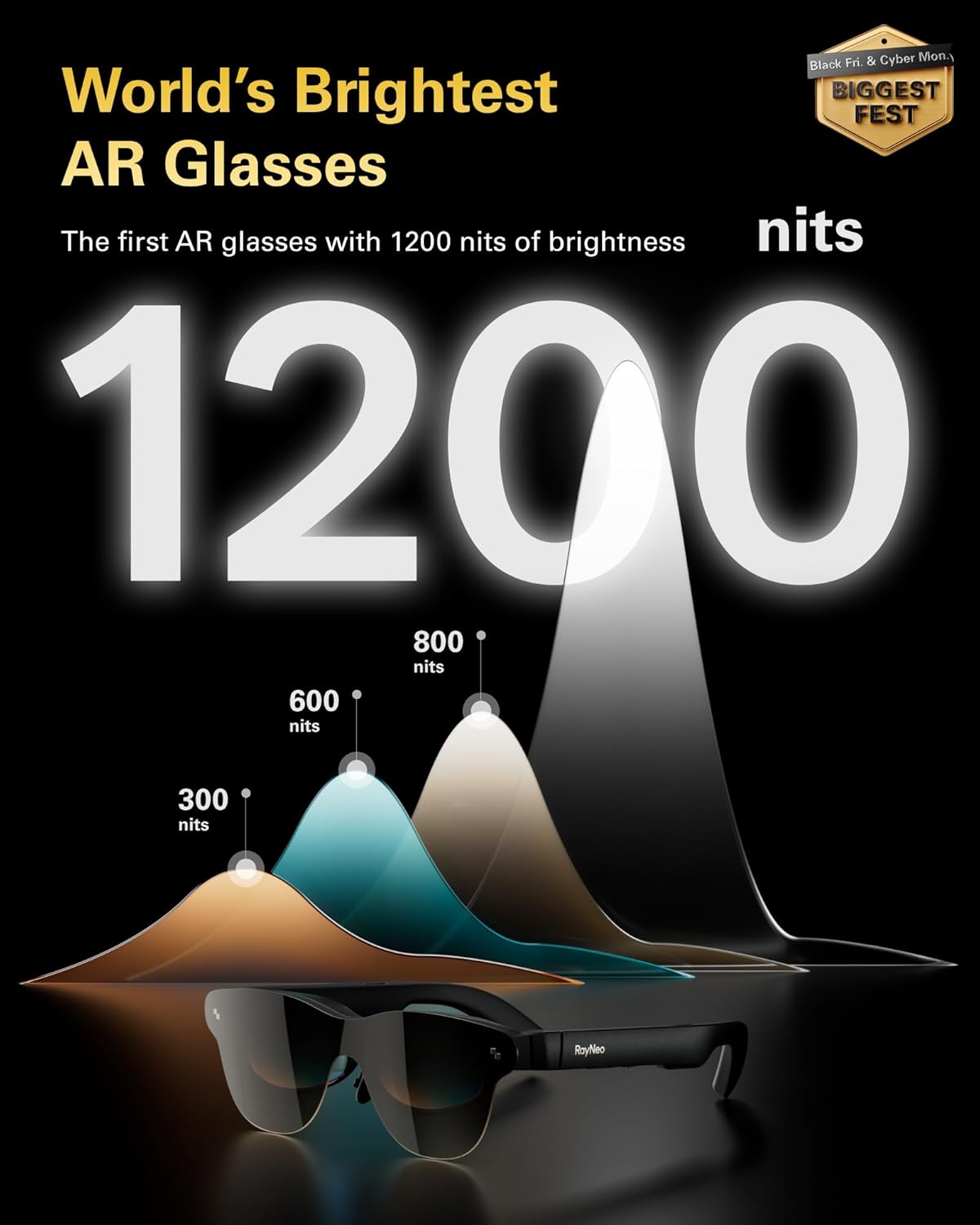
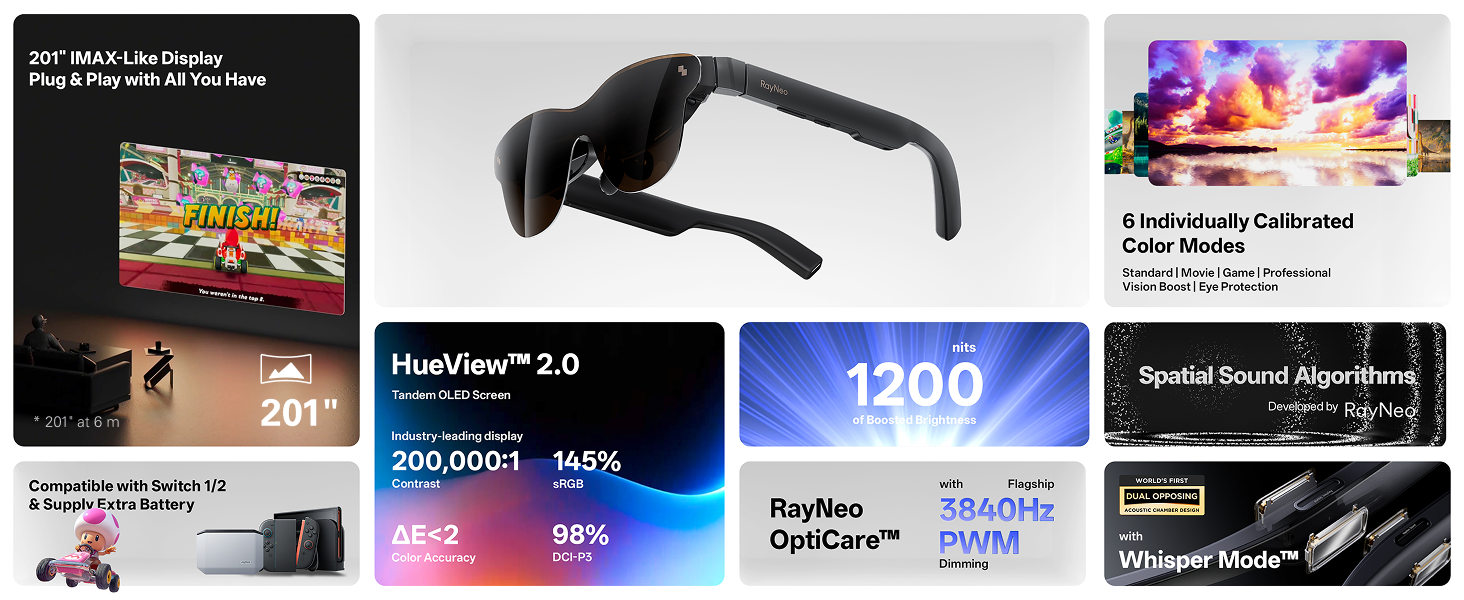
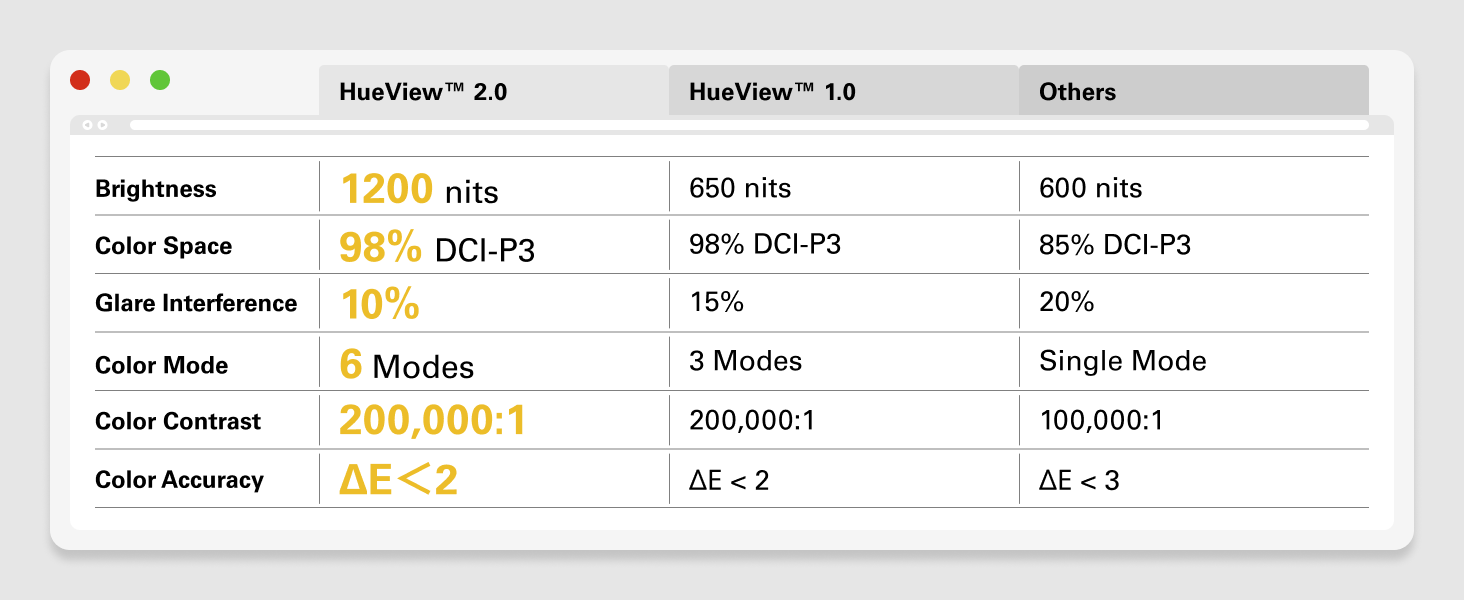
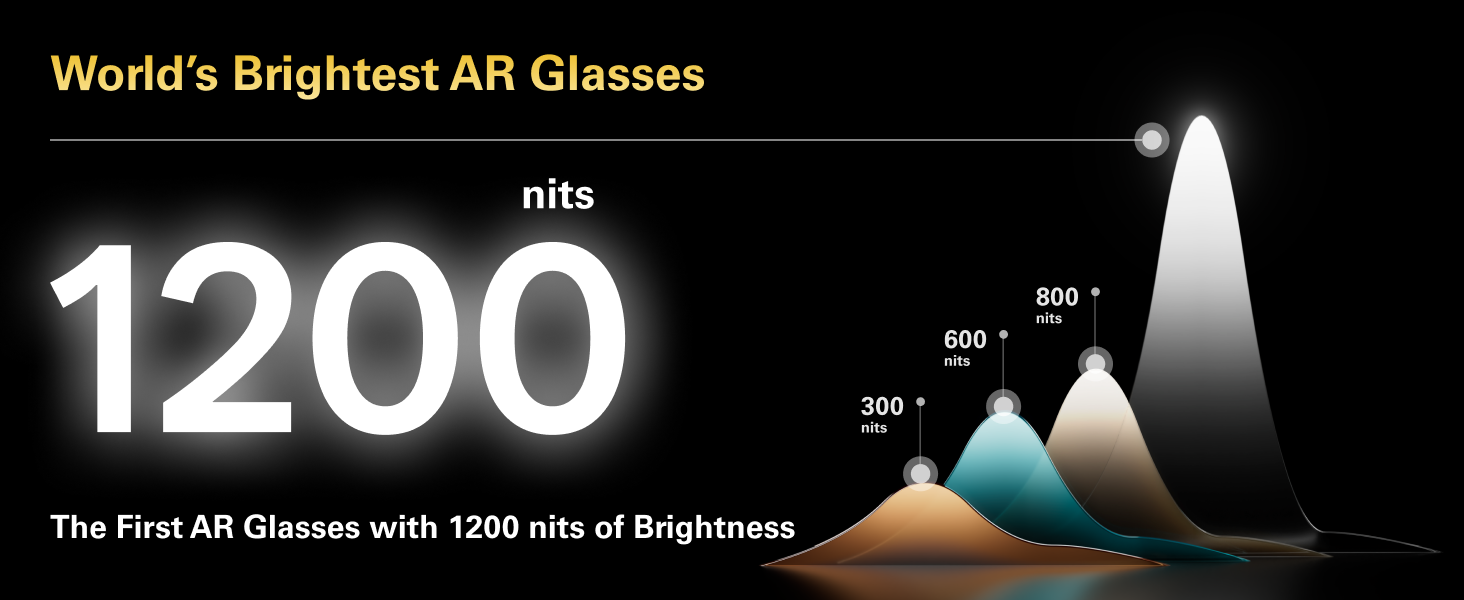
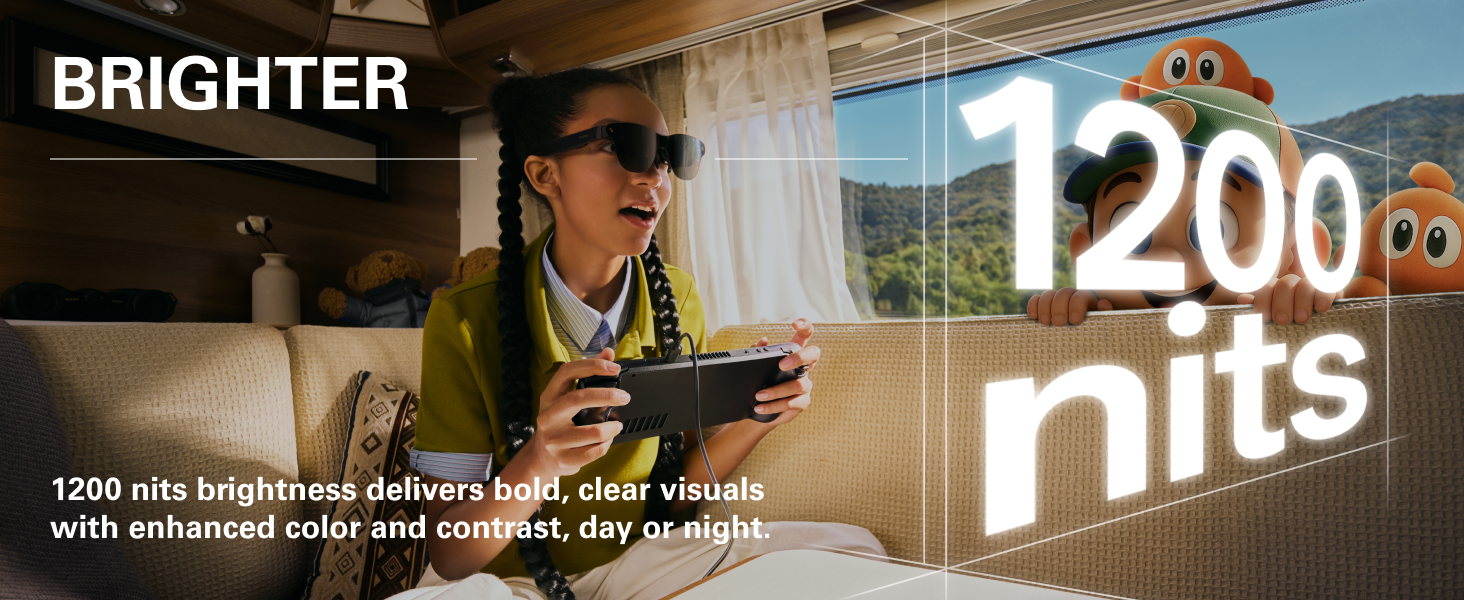
[World’s Brightest AR Glasses – 1,200 Nits] RayNeo Air 3s Pro smart AR glasses — now with an upgraded 1,200 nits to-eye brightness, the highest in any AR glasses today. Even the faintest stars in the movie are visible instead of pure black, while others can’t.
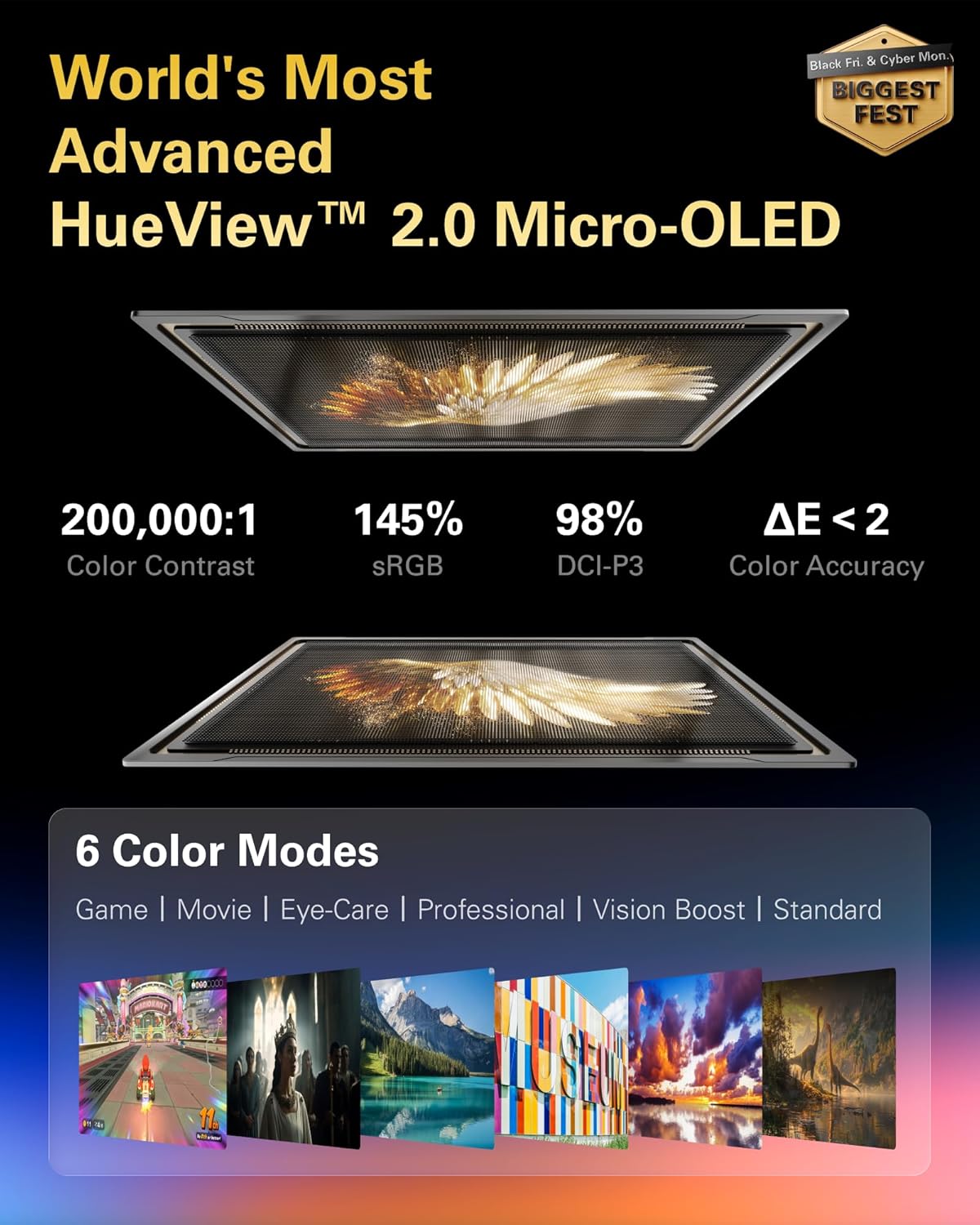
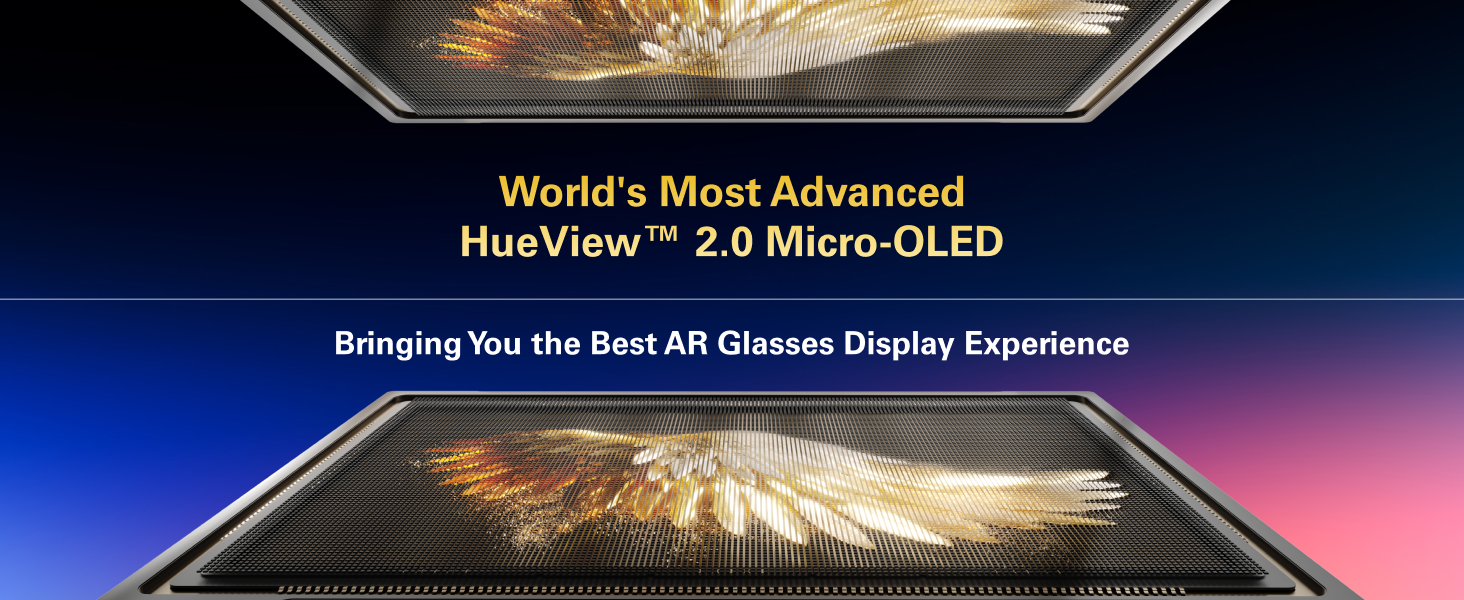
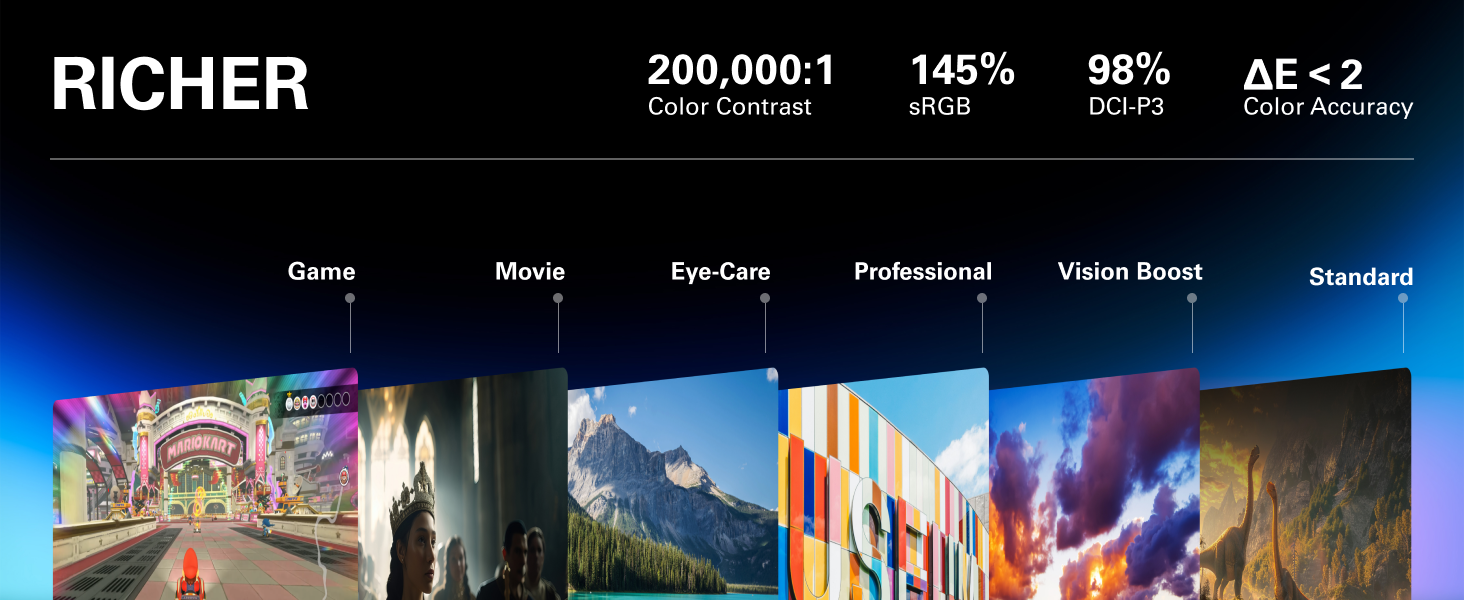
[HueView 2.0 – Leads Even Father in Micro-OLED Display] Combined with HueView 2.0 — the 5.5th-gen tandem Micro-OLED display, you’ll experience how 200,000:1 and 98% DCI-P3 shape you the most pure and lifelike visuals ever in wearable display glasses.
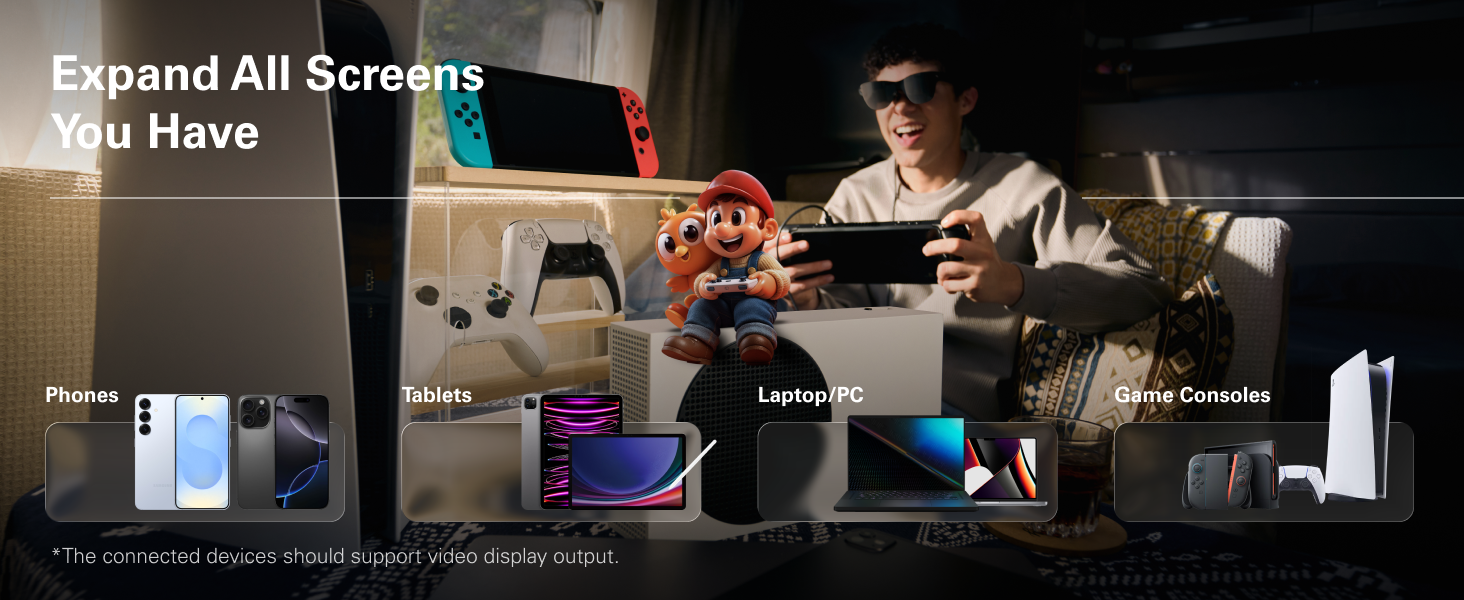
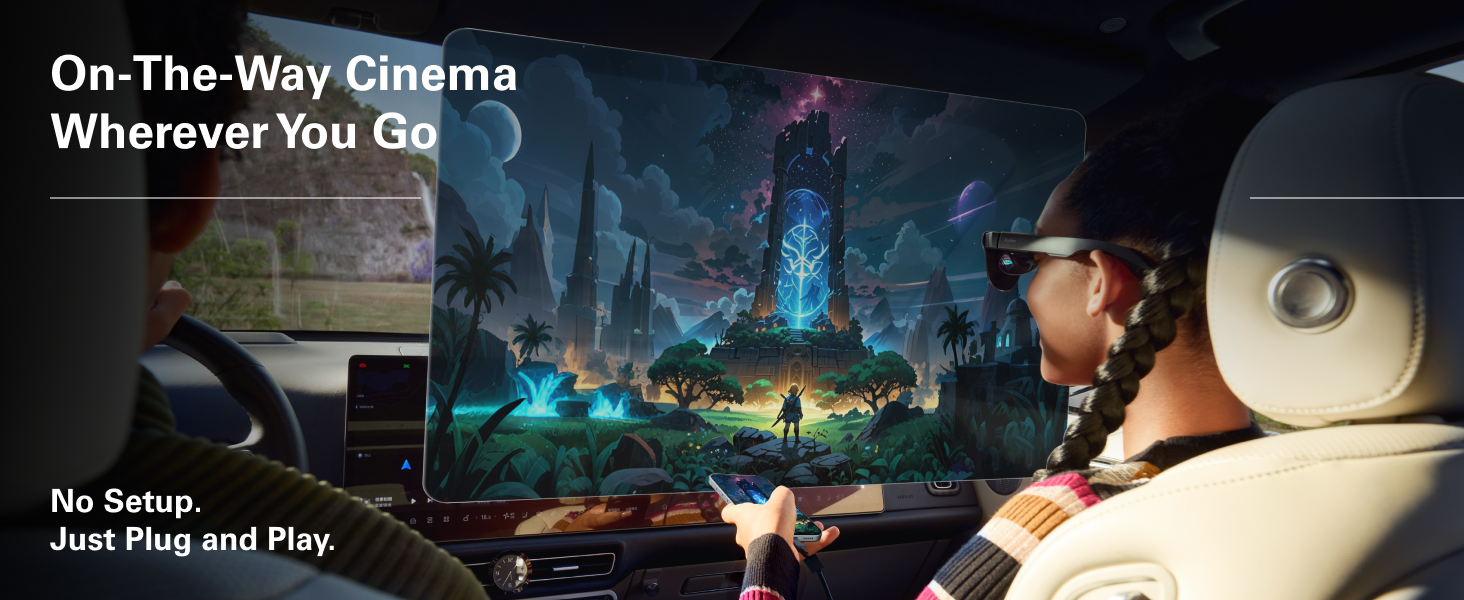
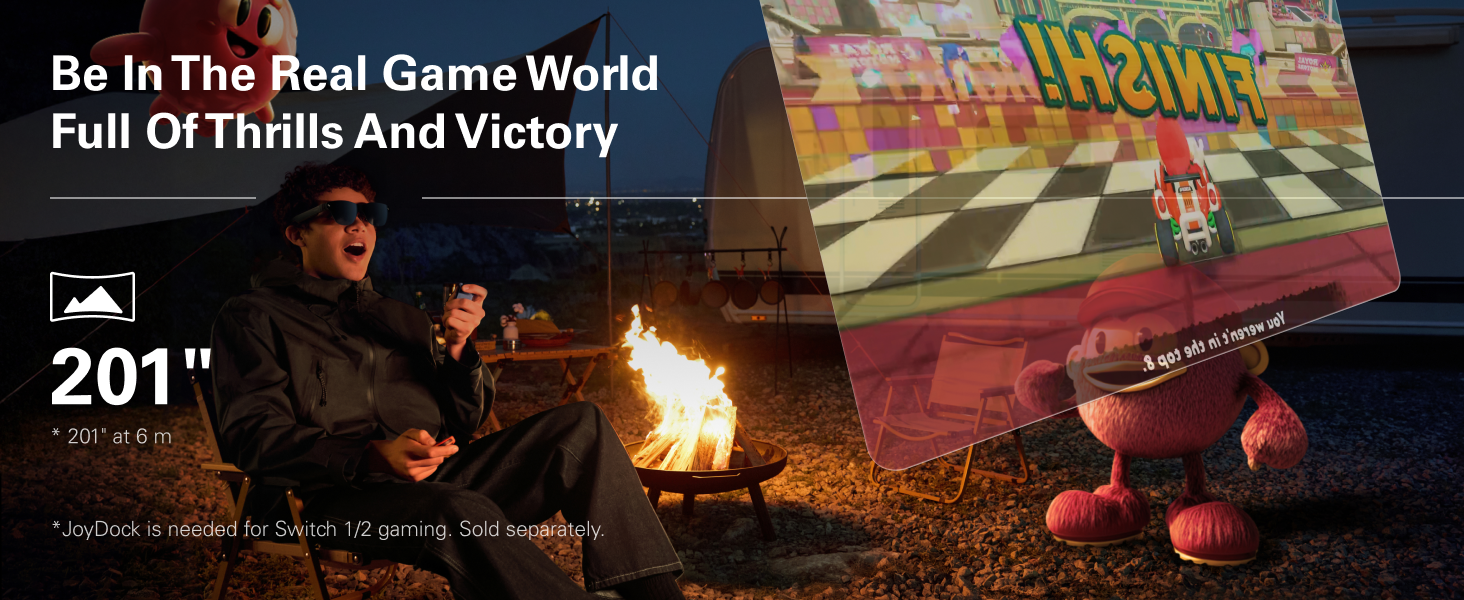
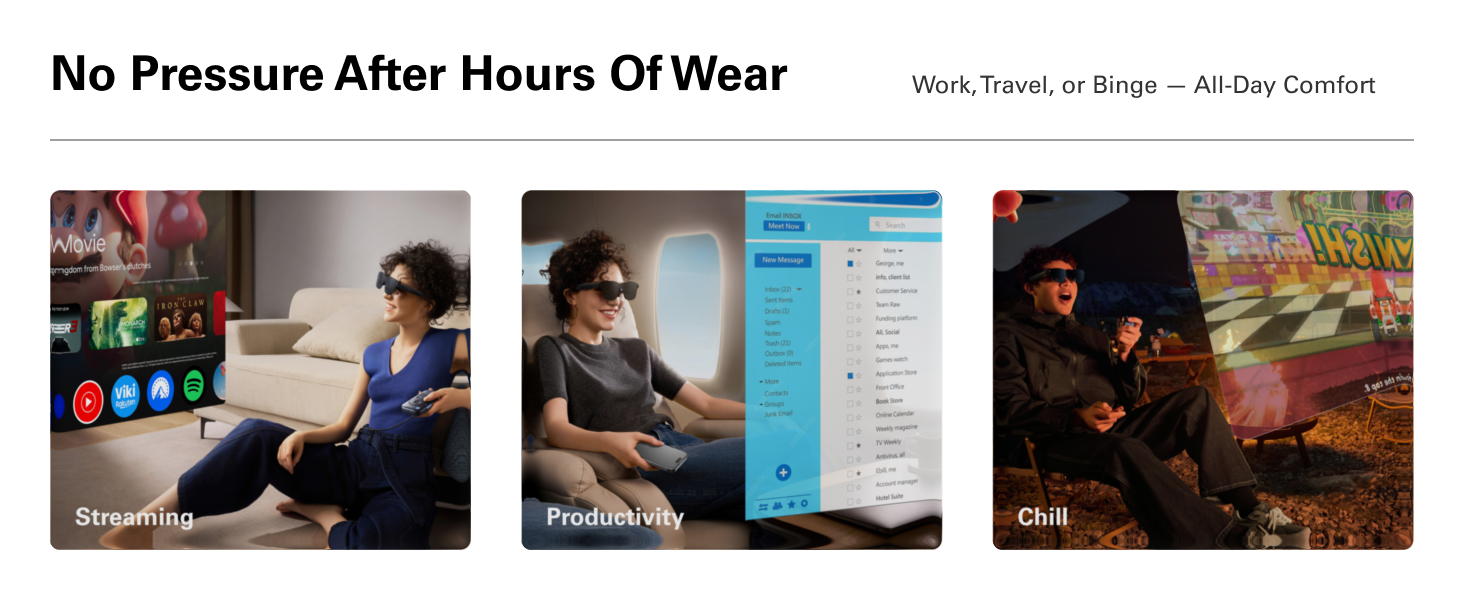
[201” IMAX-Level Screen – Movies, Games & Apps Anywhere] 201″ virtual display (at 6 m away) glasses for immersive streaming & gaming on any device. Enjoy vibrant colors on your personal cinema with 6 optimized viewing modes, replacing bulky TVs or projectors.
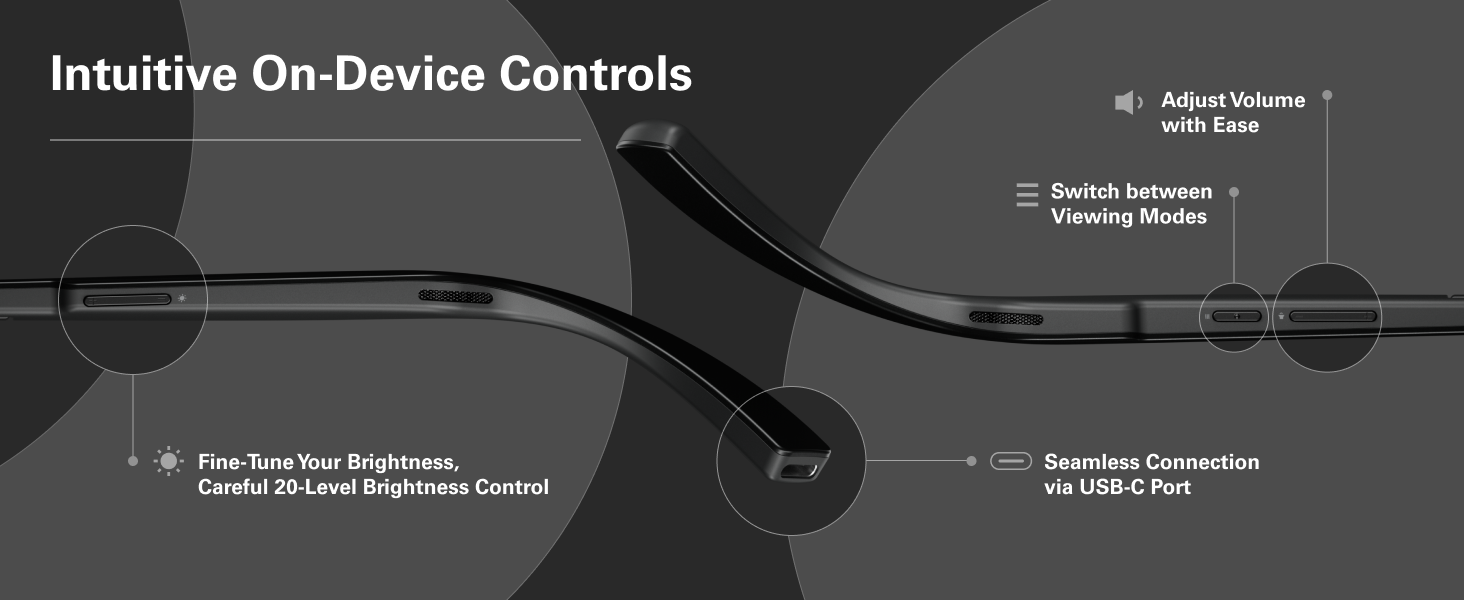
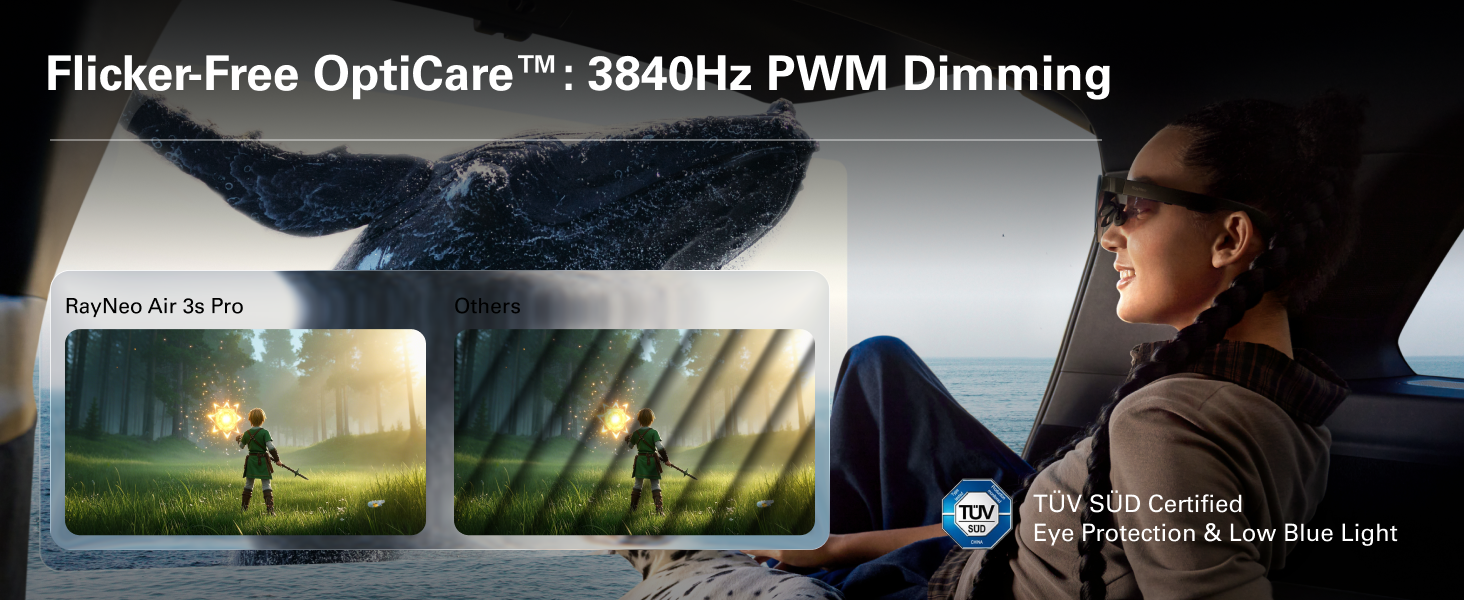
[Eye Comfort Certified – Binge Without Strain] The only wearable display glasses with TÜV SÜD Low Blue Light & Flicker-Free dual certification, 3,840Hz high-frequency PWM dimming, and 20-level brightness control. Enjoy hours of content with reduced eye fatigue.
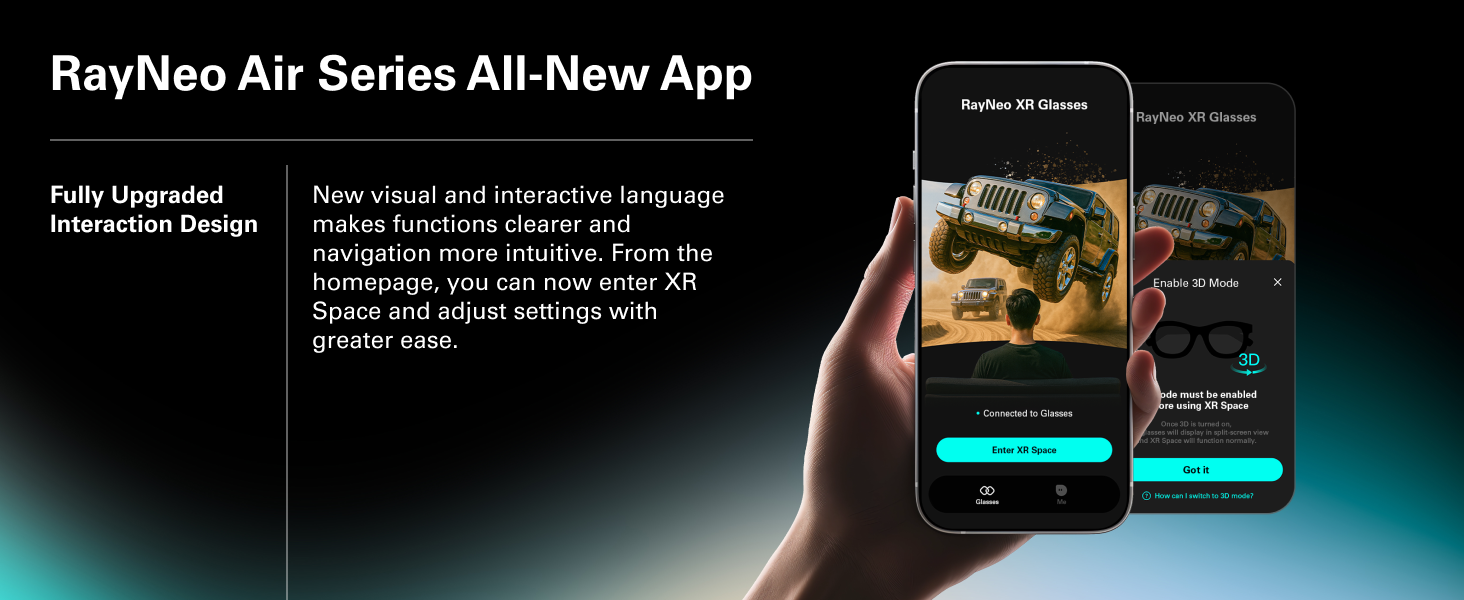
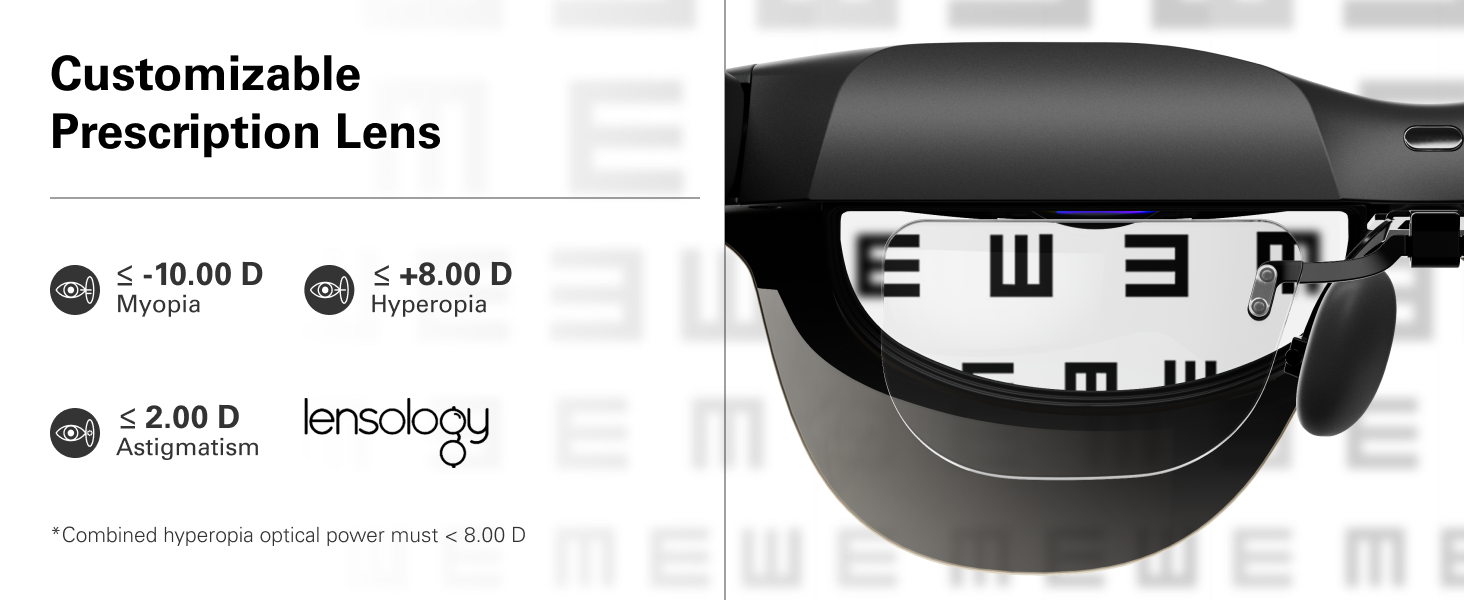
[Vision Correction Setup] For nearsighted or astigmatic users, take the included prescription lens sample to a local optician to make and install lenses. This will sharpen the AR glasses’ display.
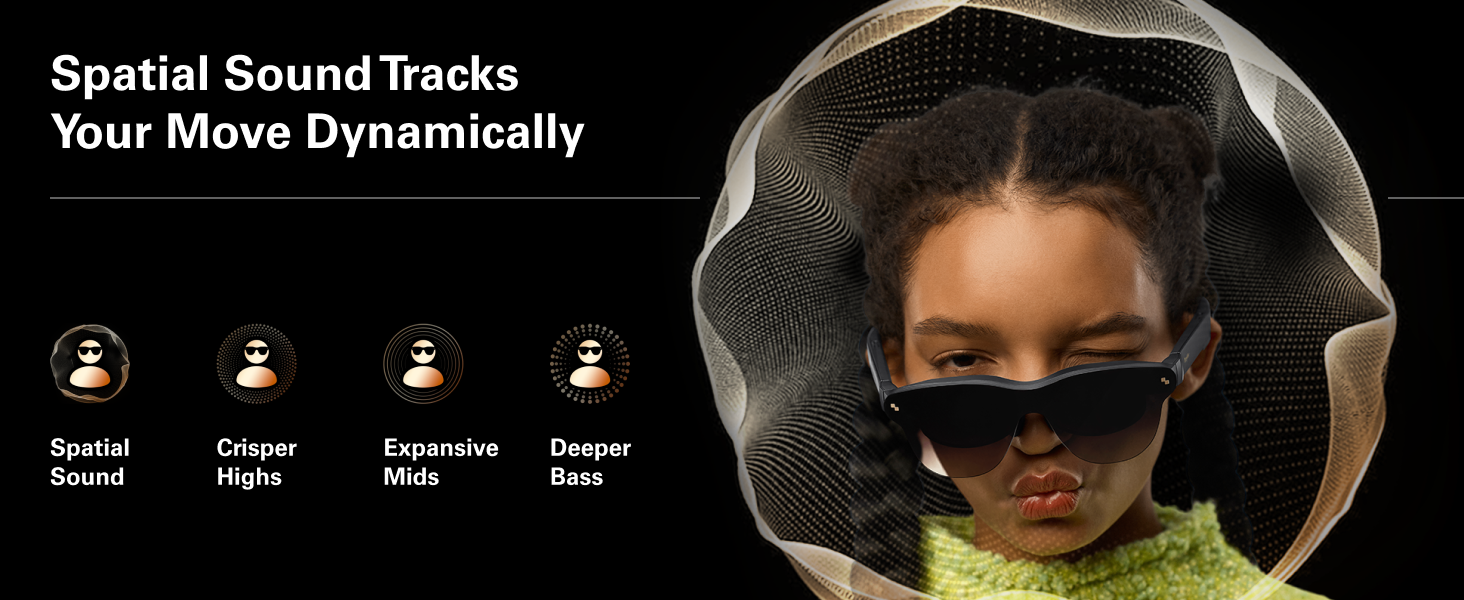
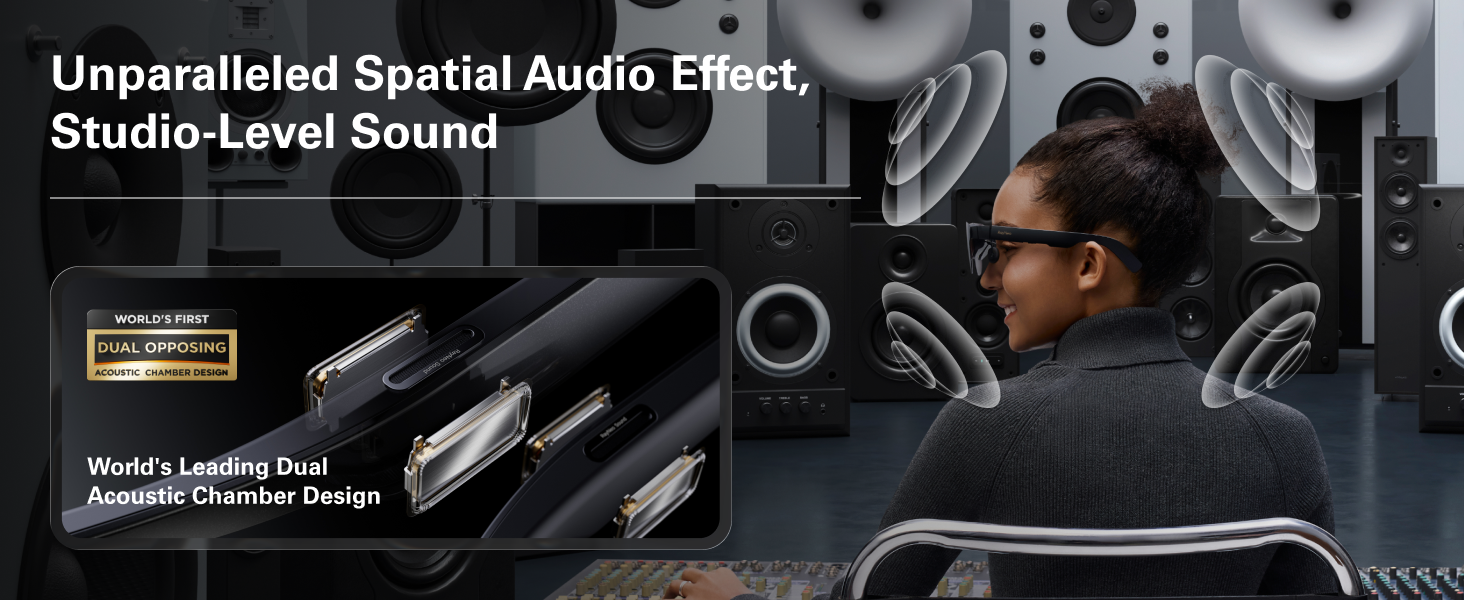
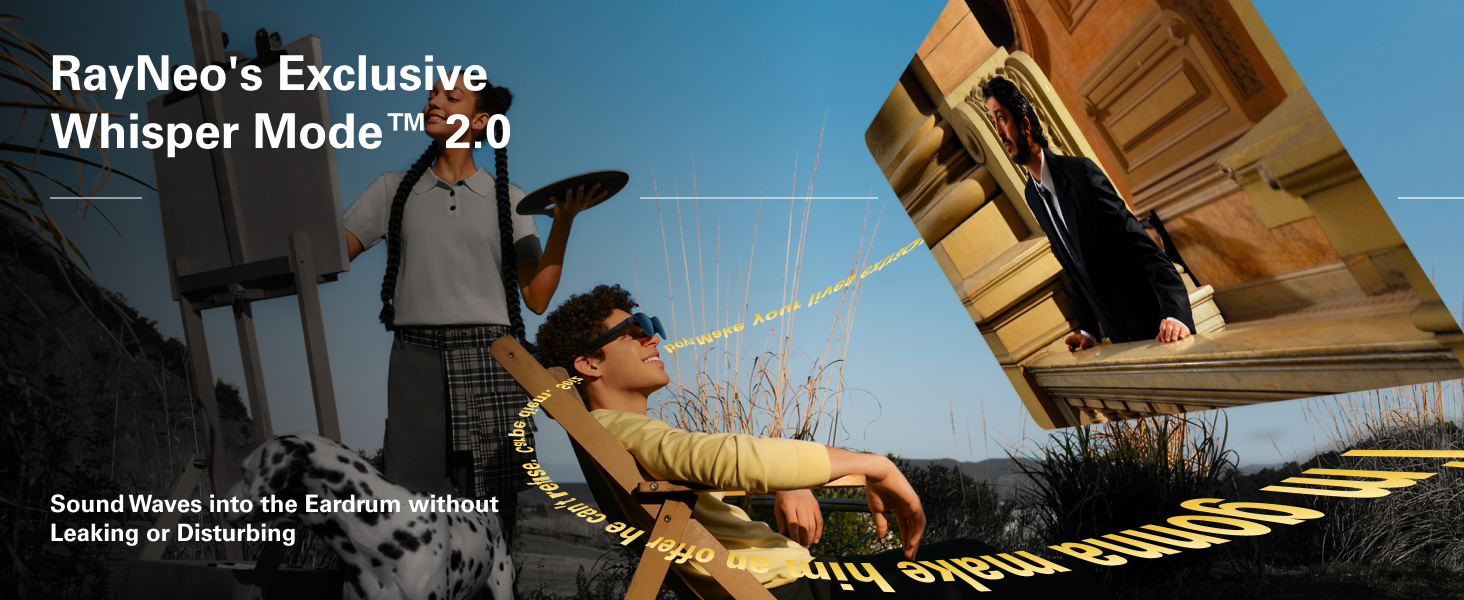
[Immersive Audio – Whisper Mode Privacy Sound] Self-developed quad-speaker system with spatial audio algorithms delivers theater-grade surround sound that follows your head movement. Whisper Mode focuses audio directly to your ears for private listening.
Customers say
Customers praise the AR/XR glasses for their clear and crisp picture, bright display, and spatial audio. They find the glasses comfortable, noting they reduce neck and back strain, and appreciate their value for money as good budget display glasses. The functionality receives mixed reviews, with some saying they work excellently while others report they don’t work for them.


Bill –
Incredible lenses for a great price!
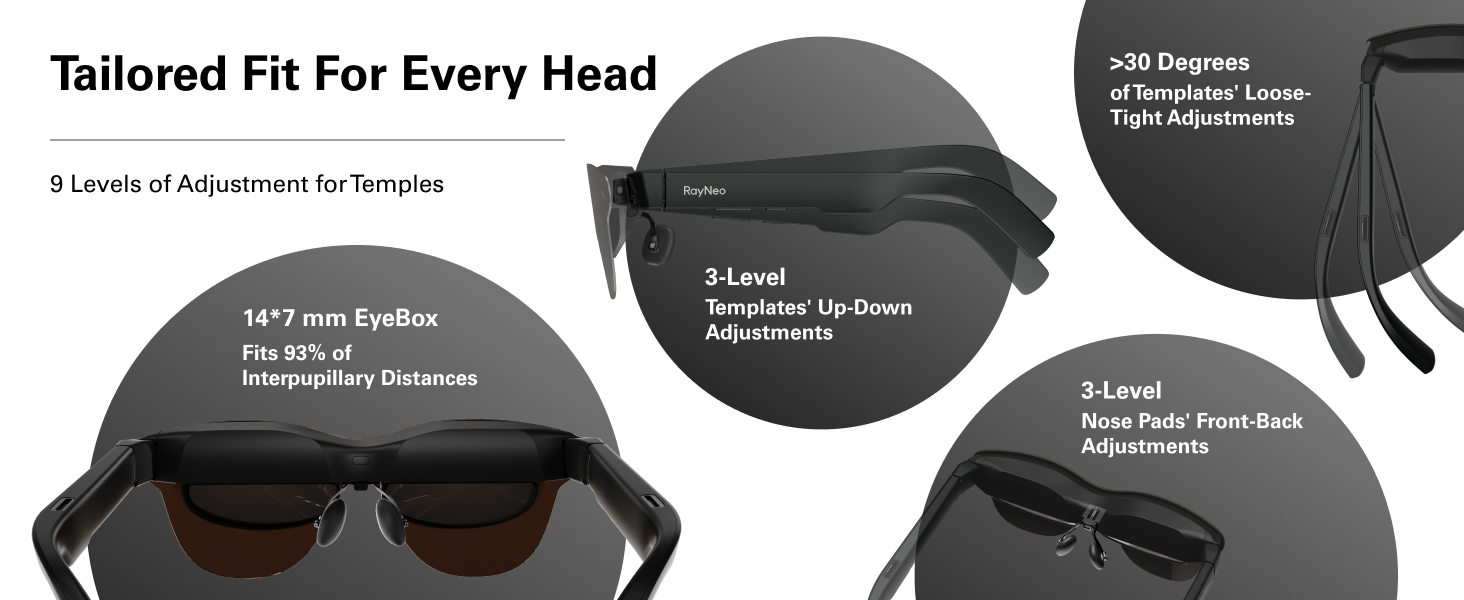
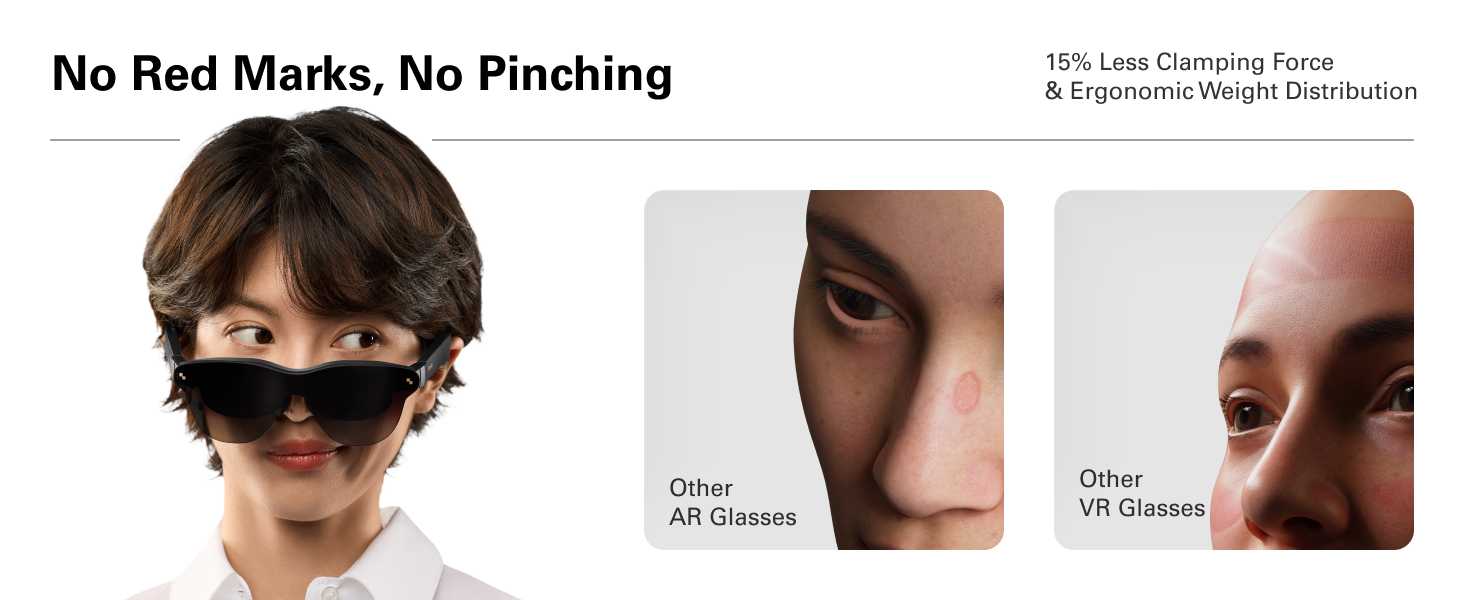
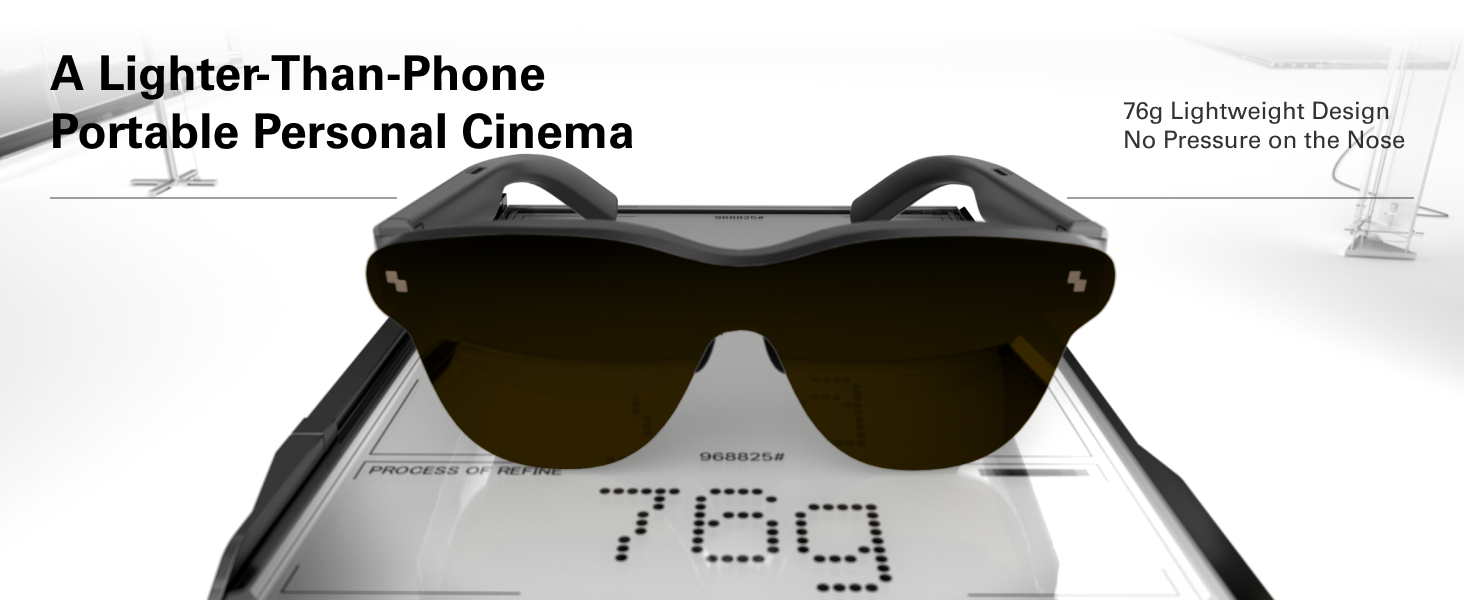
TL;DRThese glasses are massively underrated compared to other XR brands. While these glasses may lack some of the more advanced features, the displays are vastly superior and they are very comfortable to wear which are the two most important features when choosing a pair of XR glasses. I have tried all the newest XR glasses on the market and RayNeo are the only glasses that have enough clarity and sharpness to use for reading without getting immediate eye strain and none of the other glasses were especially comfortable to wear. Given the low price, I would say these are a must buy for anyone that has been wanting to try XR glasses but has been hesitant due to the high prices of other brands. Even for people that already own other brand XR glasses, I recommend giving these a try just so you can see first-hand how the screen quality compares.Background with XR glassesI have used several of the newest glasses from the past year. This includes the RayNeo Air 3s (predecessor of the Proâs), Viture Pro XR, and Xreal One Pro. I have not yet tried the brand new Viture Luma Proâs. Most of my review will be making comparisons relative to the other XR glasses I have tried.DisplaysThe screen is equivalent to a perceived 201-inch monitor while sitting 20 feet away. While I couldnât verify the exact size, I marked a spot 20 feet away from my 75in TV and attempted to make some rough measurements with a tape measure. My conclusion is it is about 6x bigger than my 75in TV. It literally spanned almost 100% of the wall horizontally and about 75% vertically. It is simply humongous!The panels are 1080p Micro-OLED, but they look substantially better than 1080p. I would have guessed 4k or something close to it. It was already my opinion that the predecessor glasses, RayNeo Air 3s, had the best clarity, sharpness, and colors of all the XR glasses I have tried. The Air 3s were the only glasses I can comfortably read small text (e.g., email, text messages, social media posts, etc.) without major eye strain. The Proâs have similar clarity and sharpness, but where they really differentiate themselves from their predecessor is with the colors. The colors are amazing on these glasses. There are 5 color modes (Standard, Professional, Movie, Game, and Eye Protection) which I will be testing further, but most likely will default to using the Eye Protection mode (want to protect the eyes as much as possible).I will not hesitate to say that these glasses have BY FAR the best displays of all the XR glasses on the market today. Itâs difficult to believe how good they are until you try them and see for yourself! I am simply blown away by how good the screen looks.ComfortThe glasses weigh 76g which is similar to most other XR glasses, but they feel lighter on my face than any of the other brand glasses I have tried. The âarmsâ (i.e., âtemplesâ) are very flexible compared to other glasses, and because of that, they donât push against my temples (which causes some minor discomfort) like the other brand glasses do.They also happen to fit my face very naturally which will vary by person since our faces are all different shapes and sizes. Other glasses didnât fit as naturally well as I was constantly trying the various nose pieces, constantly pushing the glasses towards my face, or constantly pushing the glasses down my nose. In contrast, the RayNeo glasses fit my face nearly perfect right out of the box.SoundThe sound quality is excellent. There are three sound modes (Standard, Spatial, and Whisper). I especially like Whisper mode which I will probably use exclusively since it is designed to minimize leakage.I turned on whisper mode and set the glasses to half volume (i.e., level 6 of 12). I couldnât hear any sound at all once I extended the glasses 12 inches away from my face. The sound also automatically turns off around 5 seconds after the glasses are removed.Lacking FeaturesDespite the superior displays, comfort, and sound, there are a lack of certain advanced features compared to other brand XR glasses that potential buyers should be aware of:Screen anchoring: There is no option to anchor the screen in space.Transparency mode: There are no transparency options, but I will say I havenât had much of an issue being aware of my surrounding while using them outdoors. On a sunny day though, it would be nice to have the ability to make the background darker so I can see the screen better.Screen orientation: There are no options related to screen sizing, distance, or location. You get one big 201-inch screen at 20ft distance right smack in the middle of your field of view. Also hope they add some options in their next pair of XR glasses.
Johnny –
Bright glasses at a price others canât match
When first putting these on, you may be duped in to thinking they are not all that special. For instance, when I initially put them on, I connected them to my iPhone, and started a new movie in the Max app. Because the movie had a thick layer of film grain applied to it, it tricked me in to thinking the screen in these glasses is not great. But I was wrong.When I continued the same movie on a regular screen, thatâs when I realized my error. So next I loaded up GeForce Now in these glasses and continued my save in Arkham Knight. And suddenly my impression of the glasses got better. I could see the appeal now. But it didnât stop there. Loading up the game Guardians Of The Galaxy in GeForce Now was a revelation. That game really shows off the strengths of these glasses. Colors were bright and colorful and the picture was sharp. I was hooked.Iâve used these glasses for two weekends now and learned some important things. First, adjust those nose pieces. You can really push them with a good bit of force in order to get the glasses to sit closer to your face. This likely will improve the sharpness of the screen and allow you to see most of the screen in focus.My second tip is that while some content looks great at max brightness, such as the movie Thunderbolts and the TV show White Lotus, other content looks better with the brightness dialed down. When I started an episode of Twisted Metal on Peacock, I was appalled at the quality of the stream. But dialing down the brightness really hid the imperfection’s that were revealed at higher brightnesses. This was also true for the fabulous show Penguin on HBO Max. The show does not look good at max brightness, but really improves as you lower the brightness some.Iâve tested these glasses with my Rog Ally and laptop and phone. One day I was having some intermittent issues in which the image on the glasses was cutting in and out randomly. I was concerned at first and thought maybe I would have to return the glasses but whatever was causing this issue seems to have disappeared at least for the time being.I tried to play some side-by-side 3D content in the glasses by putting the glasses in to 3D mode but I did not exactly get a 3D effect. I donât know if I was doing something wrong or if these glasses are just not great for 3D video. But that is definitely not a deal breaker for me.RayNeo, I would like to see you and other glasses manufacturers add a microphone plug to the glasses cord. This would give us more options for better audio when our wireless earbuds start running low on battery.These glasses are a game changer for those who game on mobile devices. Nothing beats reclining and being perfectly comfortable while your game stays perfectly in your field of vision.For those who want to use these glasses with a laptop for work purposes, itâs definitely doable but not perfect. I donât believe anyone is going to get the entire screen perfectly sharp but I also donât think it would probably prevent anyone from being able to do work using these glasses.Sound is okay using the built-in speakers but I definitely will use my AirPods whenever possible. And itâs so easy to just plug these glasses in to your preferred device. I was a little worried that using these would be kind of a hassle but it has turned out to be the opposite. There are games Iâve put off playing and now I am eager to finish because they look so good in these glasses. I know competitors offer more features at higher prices, but I think these glasses have the best value proposition because of their lower price.
Carlos Escalante Pedraza –
Esta bien, cumple con lo que prometido, es sorprendente lo nÃtida que se ve la pantalla en los pequeños cristales, lo considero más un lujo que una herramienta de trabajo.Un detalle importante a tener en cuenta es que no todos los dispositivos móviles son compatibles, solo aquellos que si soportan salida de video USB-C (generalmente solo los modelos de gama alta)
å¹´ä¼æ®ãå ã –
å¯ã£è»¢ãã£ã¦æ ç»ãè¦ãç¨éã§è³¼å ¥ãã¾ãããã»DP Alt Modeã«å¯¾å¿ããã¹ããï¼AQUOS Sense9ï¼ã«Type-Cãæ¥ç¶ããã ãã»Fire TV Stickã®HDMIãType-Cã«ã³ã³ãã¼ããã製åãå¥éè³¼å ¥ï¼Lemorele HDMI to USB C å¤æã¢ããã¿ã¼ â»Fire TV Stickãå èµã§ããã¿ã¤ããããã¾ãï¼ãã®ï¼ã¤ã®æ¹æ³ã§ä½ã®åé¡ããªã使ç¨ã§ãã¾ãããè¿è¦ãªã®ã§ã¡ãã£ã¨è©¦ãã¾ãããå°ç¨ã®ã¡ã¬ããã¬ã¼ã ãä»å±ãã¦ãã¾ããããããZoffã«æã¡è¾¼ãã§ãã¬ã³ãºä»£ï¼å å·¥æ8800åã¨çµæ§ãªåºè²»ãªã®ã§ããã¯è©¦ãã¦ã¾ããã試ãã«ããã¼ã¬ã³ãºã®ã¾ã¾ä»ãã¦ã¿ã¾ããããé¼»ãããã®ãã¼ãã«åãä»ããããã¬ã³ãºãç®ã«è¿ããã¦ãæ¥æ¬äººã®å½«ãã®æµ ãã§ã¯ããã²ã確å®ã«å½ããã¾ããããã§ãã»ã³ã³ã¿ã¯ãã¬ã³ãºã»ã¡ã¬ãã¨ãªã訳ã§ãããç§ã®ã¡ã¬ããå ã«æãã¦ãã®ä¸ã«RayNeoãæãã¦ãè¦éè§ï¼ãªã©ã®åé¡ã¯ãªããéãããªãããæ®éã«è¦ãã¾ãããã¡ã¬ãã®å¤§ãããå½¢ç¶ã§è¦éè§ï¼ã®ãºã¬ãåºã¾ãã®ã§ãææã¡ã®ã¡ã¬ãããã¤ãã試ãã¦ããã¡ã°ããã£ãããããã®ããããã¾ãããç»é¢ãããã¸ã綺éºã§ããã«ã«ä»è¾¼ã¾ããã¹ãã¼ã«ã¼ãã¾ãã¾ãã§ããææã¡ã®Bluetoothã¤ã¤ãã³ãªãã°ãã£ã¨è¯ãã§ãããé¡ãè³å¨ããã¦ããçãã§ã ãã ãç ©ããããªã£ã¦ãã¾ããåãã¦ã®ARã°ã©ã¹ã§ãããä¾¡æ ¼ãå質ã¨ãæºè¶³ã§ãã
ããã –
ä½åº¦ãæ ç»ãè¦ã¾ããã大ç»é¢ã§ç»è³ªã綺éºã§ãèªåã¯ã¹ããã«ç¹ãã¦è¦ã¦ã¾ããã¹ããã«é ç·1æ¬ç¹ããã ãã§é»æºãå é»ããªãããè¦ããããç°¡åã§ãé³è³ªã3種é¡è¨å®ã§ãã¾ãããã£ã¡ãã¯ãªã¢ã«èããã¾ããé³æ¼ããç¡ãã§ãæ軽ã«æ ç»é¤¨ã楽ãããæãã§ãå¯è»¢ãã§è¦ã¦ã¾ããè³ã«ãããé¨åã®çµããã®é¨åã«ç·ãç¹ããã®ã§æãå½ããã®ã§æã§èª¿æ´ãã¦ã¾ãããã¯ãªã¹ã¹ã¡ã§ãé«é¡ã ããè¿·ãã¾ãããè²·ã£ã¦è¯ãã£ãã§ã
Luilly Bros –
Muy satisfecho la calidad de imagen es increÃble y el brillo mas de lo esperado !!!
ã¢ãºã –
åãã¦ã®ã試ãã«ã¯è¯ããã¡ã¬ã¯ã¨ã¹ãã»ã©ã®èªç±åº¦ãæ±ããªããªãå¯ãªããç»é¢è¦ãã®ã楽ã§ã¯ãããã©ã³ã¼ããã¡ãã£ã¨éªéãç´°ãã¯ãã·ã§ã³ç¸¦ã«ãã¦æã«ããã°è¯ãããã 4ä¸ãªãã¡ã¬ã¯ã¨ã¹ã3sãè¦éã«å ¥ããããã¨ããã·ã¨ãã¤ããé»æ©ã§è©¦ä¾ããããããããç»é¢ãã«ããããã ããªããããã